
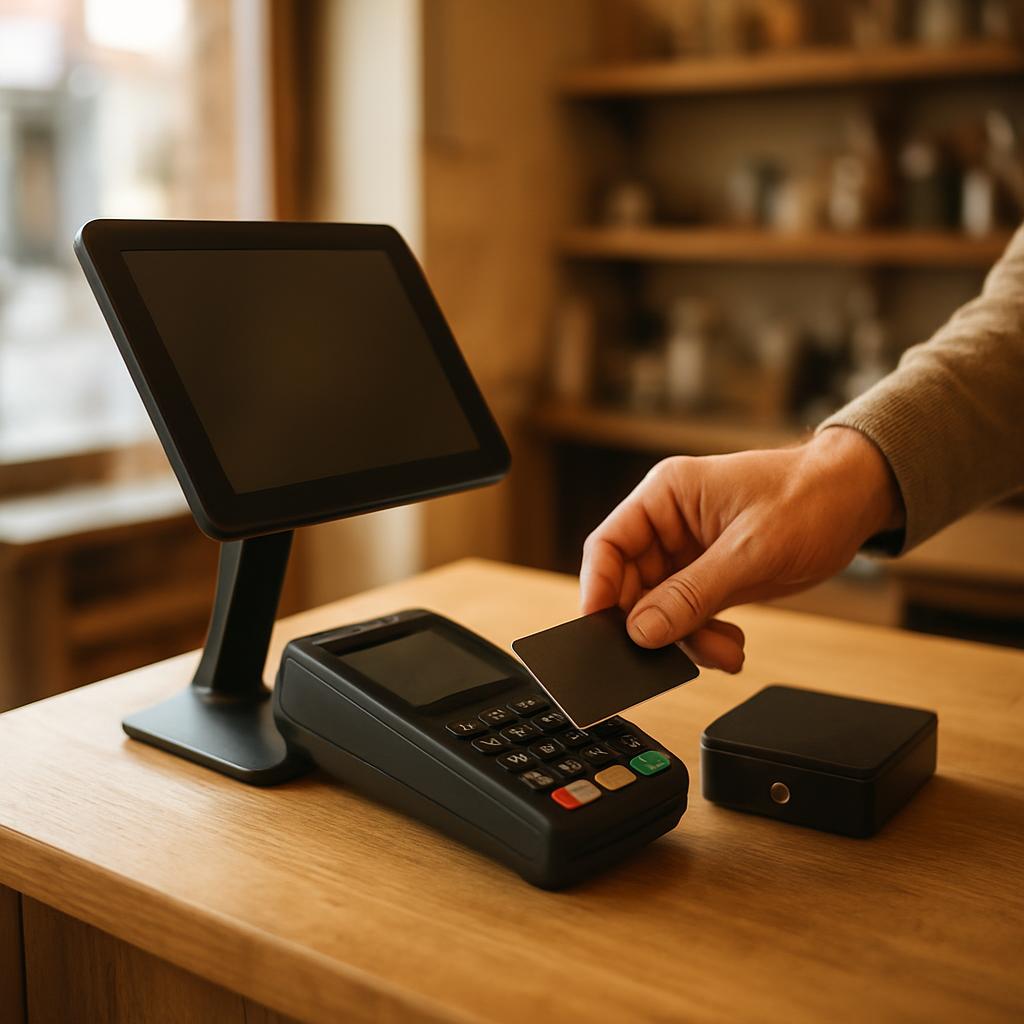
A point of sale system for small businesses is the combination of hardware and software that lets a shop, restaurant, or service business ring up a sale, take payment, and record what just sold. Most small businesses today use a tablet, card reader, and app rather than a mechanical cash register, and the software behind it also tracks inventory, staff hours, and daily totals. The best choice depends less on brand name and more on how the business actually sells things and gets paid.
Key takeaways
- A POS system is payment hardware plus software that records sales, inventory, and reporting in one place.
- Monthly software fees typically range from free to around $150, and card processing usually costs roughly 2.6% to 3.5% per transaction.
- Setup usually takes a few days to a few weeks, including choosing hardware, loading inventory, and testing payments.
- Common mistakes include picking a system built for a different business type and ignoring long-term contracts.
- Always confirm current pricing and contract terms directly with the provider before signing up.
What Is a Point of Sale System?
A point of sale system is the setup a business uses at the moment a customer pays, combining a way to accept payment with software that logs the sale. The term covers everything from a simple phone-based card reader to a full restaurant system with kitchen printers and table management.
Older cash registers only recorded totals. Modern POS systems connect to the internet, store sales history, track inventory in real time, and often sync with accounting software. This is why a coffee shop, a boutique, and a food truck can all use very different POS setups even though they're solving the same basic problem.
Most systems have two parts working together: the hardware customers see, like a terminal, tablet, or card reader, and the software running behind it, which handles receipts, inventory counts, and sales reports. The software is usually cloud-based, meaning sales data is stored online rather than only on the device itself.
Because payments move through the system, POS providers are also payment processors or work with one. This matters for cost and security, and it's part of why contactless payment acceptance has become a standard feature rather than an add-on.
How Does a Point of Sale System Work for a Small Business?
A POS system works by linking a sale, a payment, and a record of inventory into one step, so the business doesn't have to track those things separately. For a typical small business, the process looks the same whether it's a retail shop or a food stand.
- The business chooses hardware, such as a tablet, card reader, or countertop terminal.
- Products or services are loaded into the system, often with prices, categories, and tax rates.
- A customer's order is entered, either by tapping an item or scanning a barcode.
- The customer pays by card, contactless tap, or cash, and the system records the payment method.
- The sale updates inventory counts and adds to the day's sales report automatically.
- Card payments are processed and the money is deposited into the business's bank account, usually within one to two business days.
That last step is why the bank account on the receiving end matters. Some small businesses keep a dedicated account just for sales deposits so it's easier to track cash flow, a setup discussed in more detail in why some businesses use more than one bank account.
Reporting is the other half of the job. A good POS system shows which items sell best, what time of day is busiest, and how much tax was collected, all without the owner doing the math by hand at closing time.
How Much Does a Point of Sale System Cost?
A point of sale system usually costs money in three places: hardware, a monthly software fee, and a percentage on every card payment. Some providers bundle these together, while others charge separately.
| Cost type | Typical range | Notes |
|---|---|---|
| Hardware (reader or terminal) | $0 to $800+ | Basic mobile readers are cheap; full terminal setups cost more |
| Monthly software fee | $0 to $150+ | Free plans often limit features or reporting history |
| Card processing fee | Roughly 2.6% to 3.5% plus a small flat fee | Rates vary by card type and whether the card is tapped, inserted, or keyed in |
| Add-ons (payroll, loyalty, online ordering) | $10 to $50+ per month each | Usually optional and billed separately |
These figures move often, so it's worth checking a provider's current pricing page directly rather than relying on a number from months ago. Some providers advertise no monthly fee but charge a higher processing rate, while others charge a flat monthly fee with a lower processing rate, so the cheapest-looking option on the surface isn't always the cheapest in practice.
Contract length also affects cost. Some providers let a business cancel any time, while others lock in a multi-year contract with an early termination fee. A business that's still figuring out its sales volume is usually better off starting with a month-to-month plan, even if the per-transaction rate is slightly higher.
What Do You Need to Set Up a POS System?
Setting up a POS system requires basic business information, a bank account, and a few security steps before the first sale can go through. Most providers ask for similar documents during signup.
| Requirement | Why it's needed |
|---|---|
| Business name and address | To verify the business and set up the merchant account |
| Employer Identification Number or Social Security Number | For tax reporting on processed payments |
| Bank account and routing number | So sales deposits have somewhere to go |
| Government-issued ID | To confirm the owner's identity |
| Product or service list | To build the item catalog in the system |
| Internet connection | Most systems need Wi-Fi or cellular data to process payments |
Security is also part of setup, not an afterthought. Any business accepting card payments has to meet basic card data security standards, and it helps to understand that meeting those standards isn't the same as being fully protected, a distinction covered in why PCI compliant doesn't mean secure.
Businesses that sell certain regulated products, like alcohol or tobacco, may need extra settings in the POS, such as age verification prompts, in addition to their state licenses.
What Does a Small Business POS Setup Look Like in Practice?
A worked example shows how the pieces add up for a typical small shop. Assume a small gift shop expects around $15,000 in monthly card sales.
The owner picks a POS plan with a $60 monthly software fee and a processing rate of 2.8% plus 10 cents per transaction. If the shop processes about 600 card transactions a month, the math looks like this: 600 transactions at 10 cents adds $60, and 2.8% of $15,000 adds $420, for a total processing cost of $480. Add the $60 software fee, and the shop's total monthly POS cost comes to $540, plus whatever the hardware cost upfront, say $300 for a tablet stand and card reader bought once.
That $540 a month covers more than just taking payments. It also includes automatic inventory tracking, daily sales reports, and a record the owner can hand to an accountant at tax time instead of reconciling receipts by hand.
These numbers are hypothetical and meant only to show how the pieces fit together. A real business should run its own numbers using its actual sales volume and a provider's current published rates, since even small differences in processing rate add up over a year.
What Are Common POS Mistakes Small Businesses Make?
The most common mistake is choosing a system built for a different kind of business. A retail-focused POS may lack table management and kitchen printing a restaurant needs, while a restaurant-focused system may be overbuilt for a shop that just sells t-shirts.
- Ignoring contract length: signing a multi-year agreement before sales volume is predictable.
- Underestimating total cost: focusing only on the monthly fee and forgetting processing rates.
- Skipping staff training: a confusing checkout flow slows down lines and frustrates both staff and customers.
- Not testing offline mode: some systems stop working entirely if the internet drops, which matters for businesses with spotty connections.
- Overlooking data ownership: not checking whether sales and customer data can be exported if the business switches providers later.
Another frequent issue is buying far more add-on features than the business needs at launch, such as full payroll or marketing tools, when a simpler plan would do the job for the first year. It's usually easier to add features later than to downgrade out of a bundled plan.
Finally, some owners skip reading how refunds and chargebacks are handled, then get surprised when a disputed charge pulls money back out of their account weeks after the original sale.
What Is the Best Point of Sale System for Small Businesses?
There isn't one best point of sale system for every small business; the right pick depends on the type of business, its sales volume, and whether it needs restaurant-specific or retail-specific tools. That said, a few categories of providers tend to fit different needs well.
| Business type | Common fit | Why |
|---|---|---|
| Food truck or market stall | Mobile card reader with a phone app | Low cost, no fixed hardware, works anywhere with a signal |
| Full-service restaurant | Restaurant-focused POS with kitchen display or printer support | Handles table orders, splits bills, and sends tickets to the kitchen |
| Retail shop with inventory | Retail-focused POS with barcode scanning | Tracks stock levels and reorders automatically |
| Online plus in-person seller | POS that syncs with an e-commerce platform | Keeps inventory and sales consistent across both channels |
| Service business (salons, repair shops) | POS with appointment booking built in | Combines scheduling with checkout in one system |
Owners comparing options should request a free trial or demo where available and actually run a few test transactions, including a refund, before committing. It's also worth asking the provider directly how quickly deposits land in the bank and what happens if the internet goes down mid-sale.
For businesses just starting out, it's often smarter to pick the simplest system that covers today's needs rather than the most feature-rich one, since most providers let a business upgrade plans later without switching hardware.
What Should You Check Before Choosing a POS System?
Before signing up, a business should confirm the total monthly cost, the contract length, and whether the system fits its specific type of sales. These three checks catch most of the problems owners run into later.
- Get the full fee breakdown in writing, including processing rates for tapped, inserted, and manually entered cards.
- Confirm how long the contract runs and what it costs to cancel early.
- Ask whether the system works offline, even briefly, during an internet outage.
- Check that data, like customer lists and sales history, can be exported if the business switches providers later.
- Test customer support response times before relying on the system for daily sales.
It's also worth asking current customers of a provider, through reviews or local business groups, how support actually responds when something breaks on a busy Saturday rather than trusting the sales pitch alone. A system that looks identical on a features list can feel very different once real customers are standing in line waiting on it.
Once a system is chosen, the least exciting part of the whole process is usually the most important: actually testing it with a few real transactions, a refund, and a shift change before trusting it with a full day of business.
Frequently asked questions
Do I need a POS system if I already accept cash?
Most small businesses still benefit from one because it tracks inventory and sales automatically, even for cash transactions. Many customers also expect to pay by card or tap, so a cash-only setup can limit sales.
Can I just use my phone as a POS system?
Yes, many providers offer apps that turn a phone into a basic card reader and register, which works well for very small or mobile businesses. As sales volume grows, a dedicated tablet or terminal usually becomes more practical.
Is a POS system the same thing as a payment processor?
Not exactly. A payment processor handles moving the money from the customer's card to the business's bank account, while a POS system is the broader software and hardware that also tracks inventory and sales, and most POS providers include or partner with a processor.
How long does it take to set up a POS system?
A basic setup with a mobile card reader can be running within a day. A full retail or restaurant system with a complete inventory catalog and staff training usually takes one to a few weeks.
What happens to my sales data if I switch POS providers?
This depends on the provider, so it's worth checking export options before signing up. Most reputable providers allow businesses to export sales history and customer data, though formatting may need adjustment to work with a new system.